Purple VPN for Android

Secure connection in one tap

Purple VPN helps you use the internet more safely on Android: protect your connection on public Wi‑Fi, hide your IP address, choose the right server, and keep stable access to familiar websites, apps, and online services without complicated setup.

Install Purple VPN via Google Play
Features

What makes Purple VPN convenient for everyday connection

The app is designed for users who need a clear VPN for Android: quick launch, servers in different regions, connection protection, and smooth performance without unnecessary steps.

Wi‑Fi protection

Use Purple VPN in cafés, airports, hotels, or coworking spaces to reduce risks when connecting to open networks and protect transmitted data.

Servers worldwide

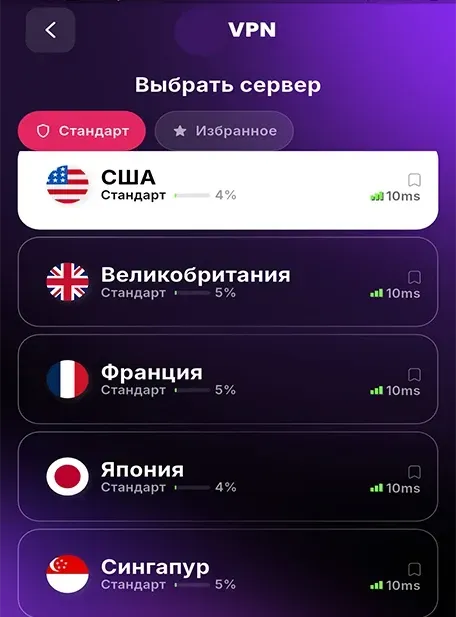
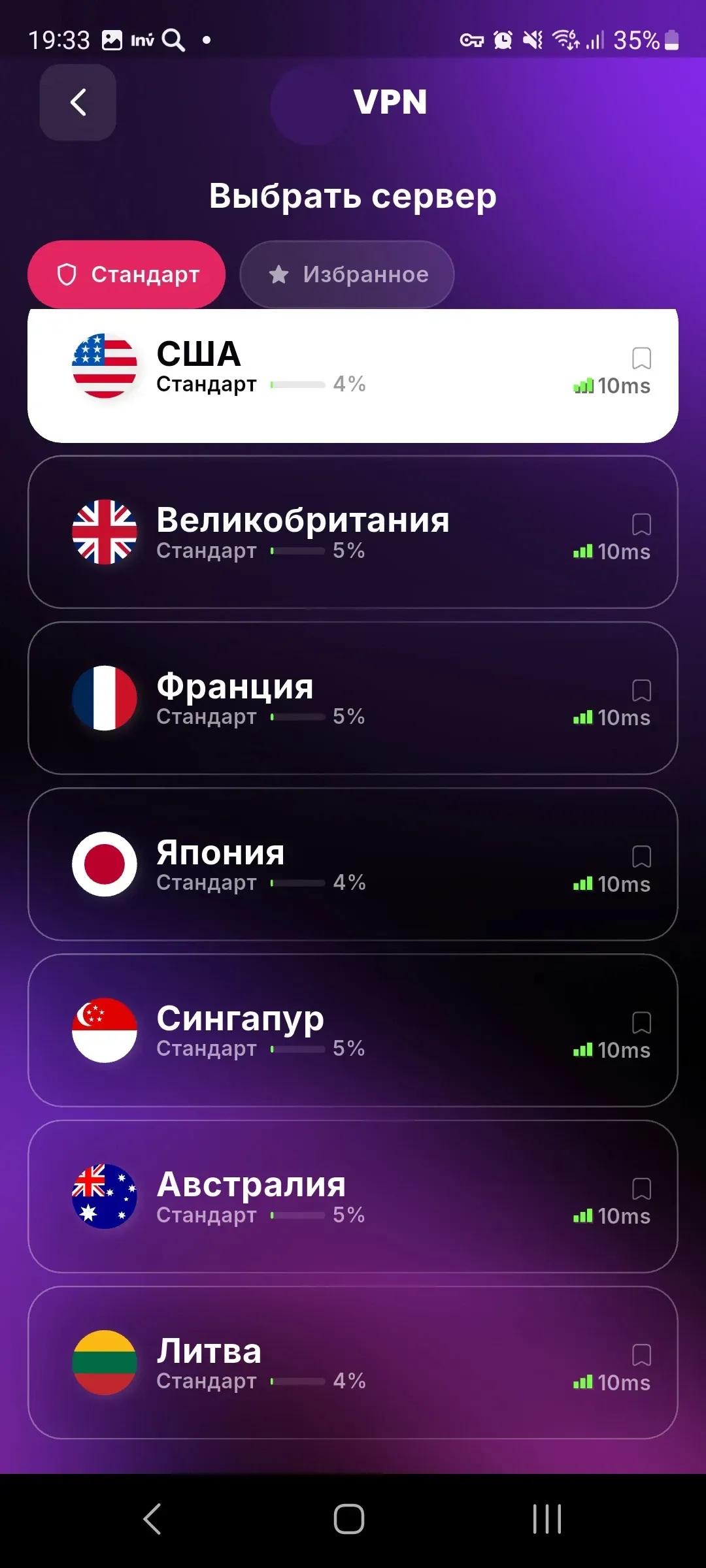
Choose a suitable connection region: the United States, Germany, Singapore, the Netherlands, the United Kingdom, Japan, Australia, Lithuania, and other locations.

One-click connection

Start VPN without complicated setup: open the app, choose a server, and connect to a secure channel in seconds.

Stable performance

Purple VPN is built for everyday tasks: websites, messengers, video services, work tools, online games, and regular mobile internet.

Protection and speed

Use the internet with more confidence
through a clear VPN connection

Purple VPN helps protect your connection when you use mobile internet or public Wi‑Fi. The app hides your IP address, encrypts traffic, and lets you quickly choose a server for your current task.

Data protection

A VPN channel helps reduce risks when working on open networks and makes everyday connections more protected.

Fast connection

Optimized servers help maintain stable speed for websites, apps, videos, and messengers.

Easy interface

VPN for travel, work
and everyday internet

Purple VPN is suitable for home, travel, and work tasks: the app does not require registration in complicated services, helps you connect quickly, and offers a choice of servers in different regions.

  • One-tap VPN connection without complicated manual settings
  • Server selection for stable performance of websites, messengers, and apps
  • IP address protection and connection encryption when using public networks
App screenshots

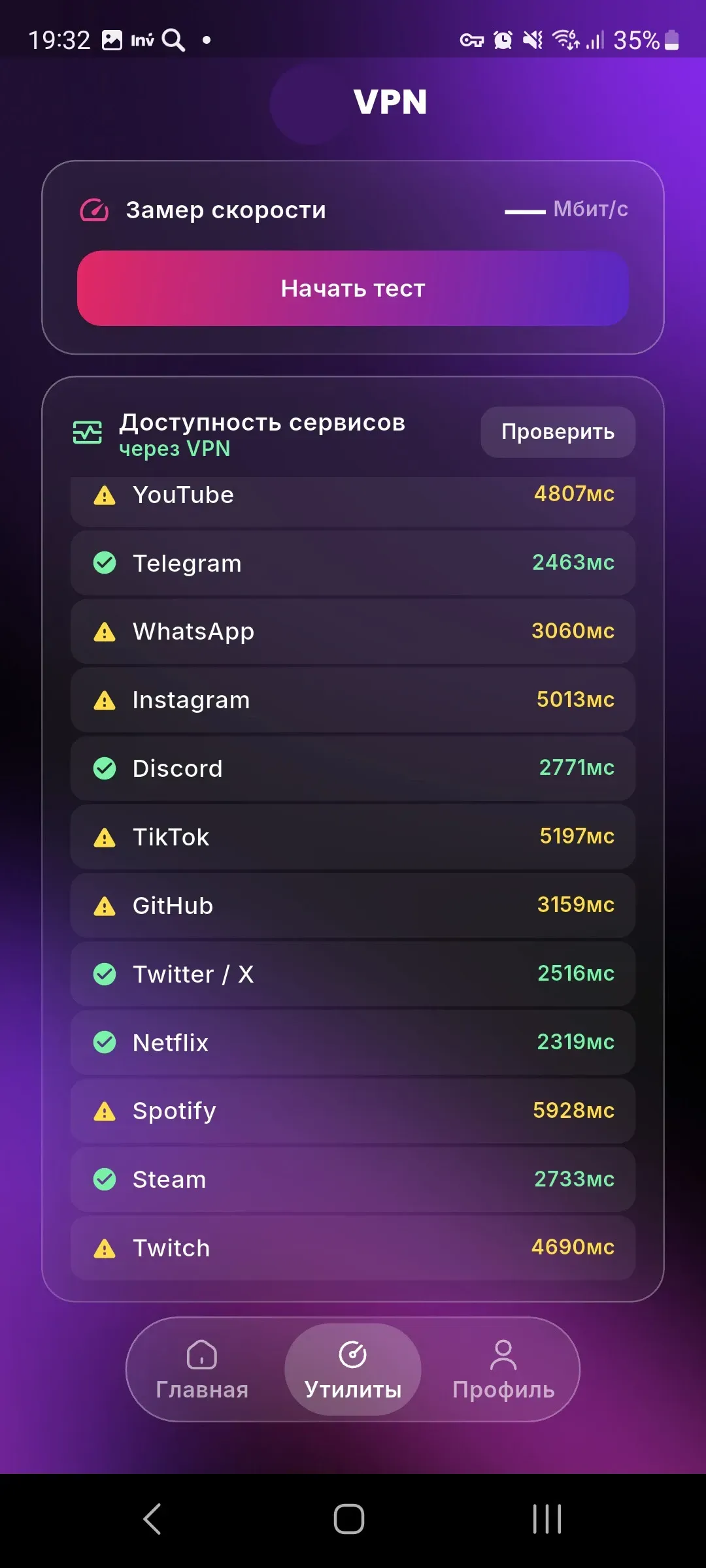
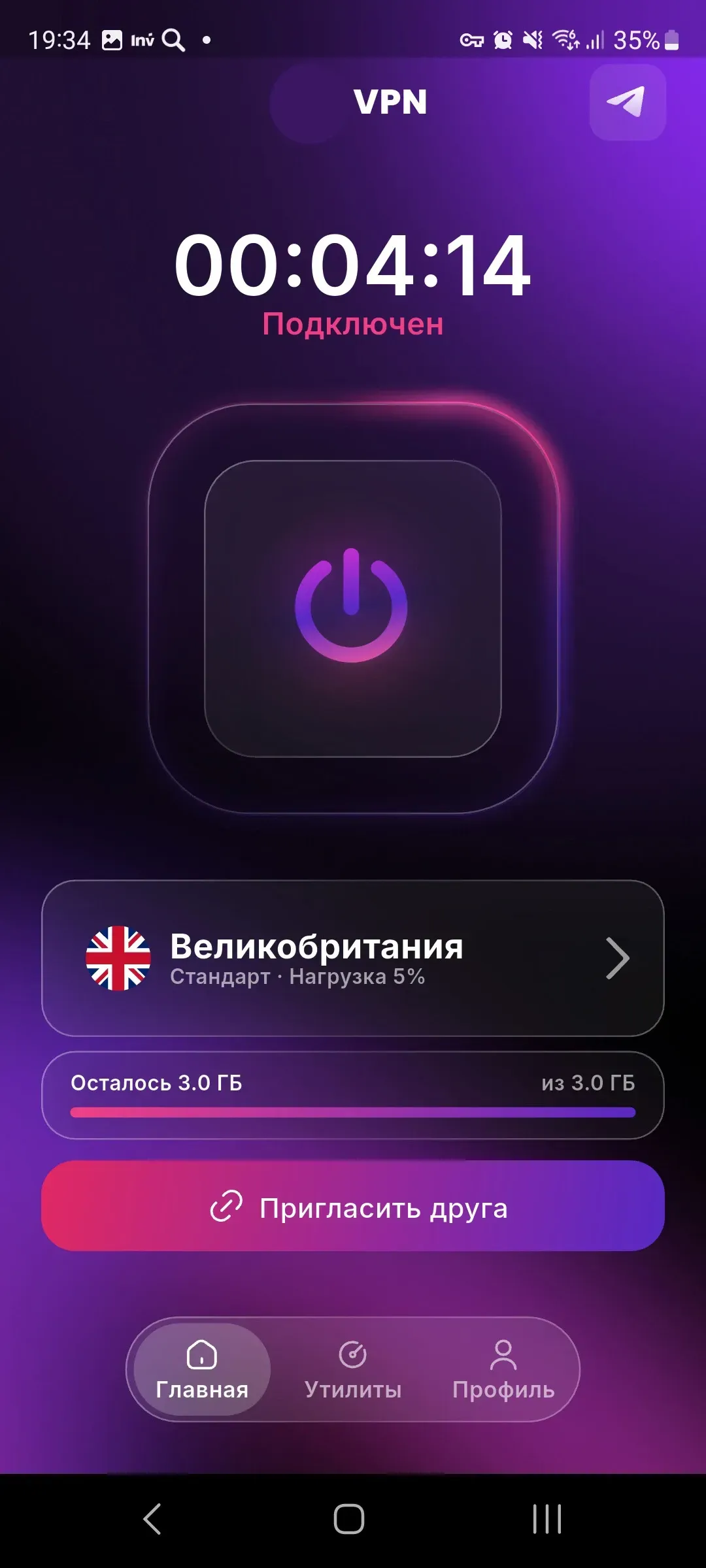
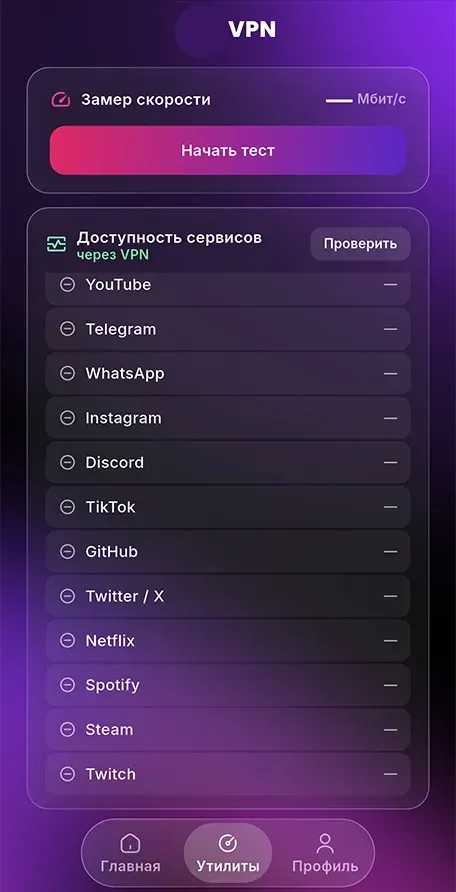
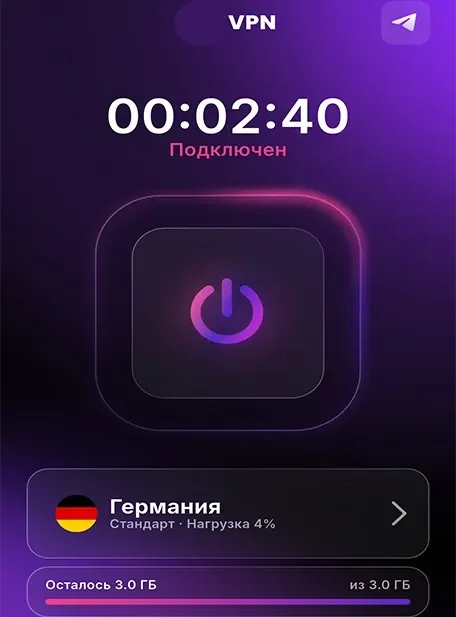
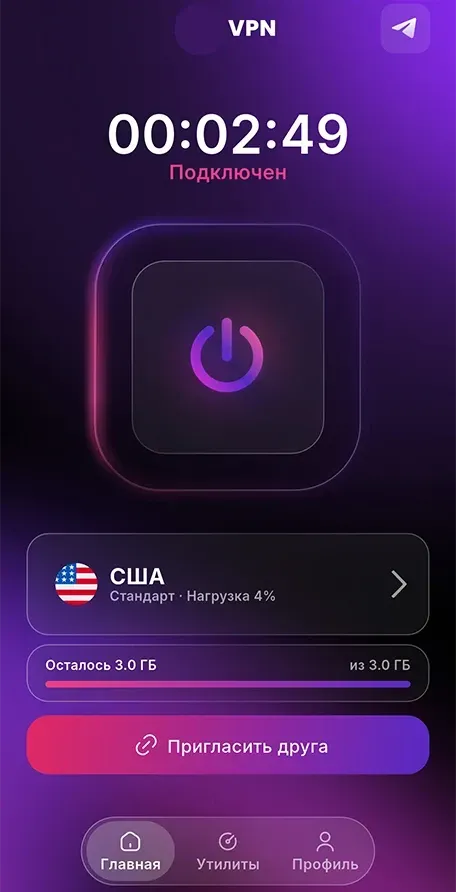
Simple Purple VPN interface

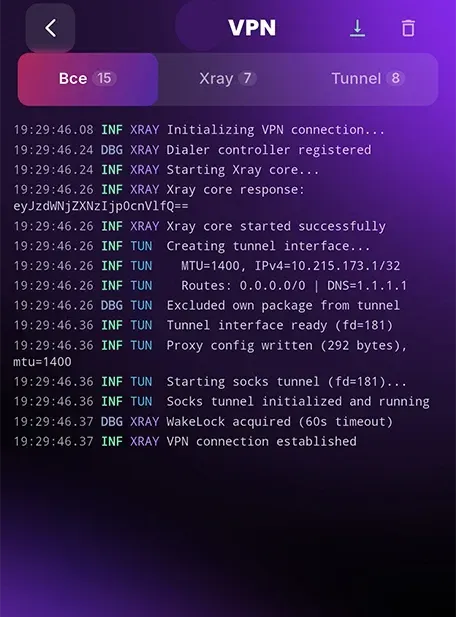
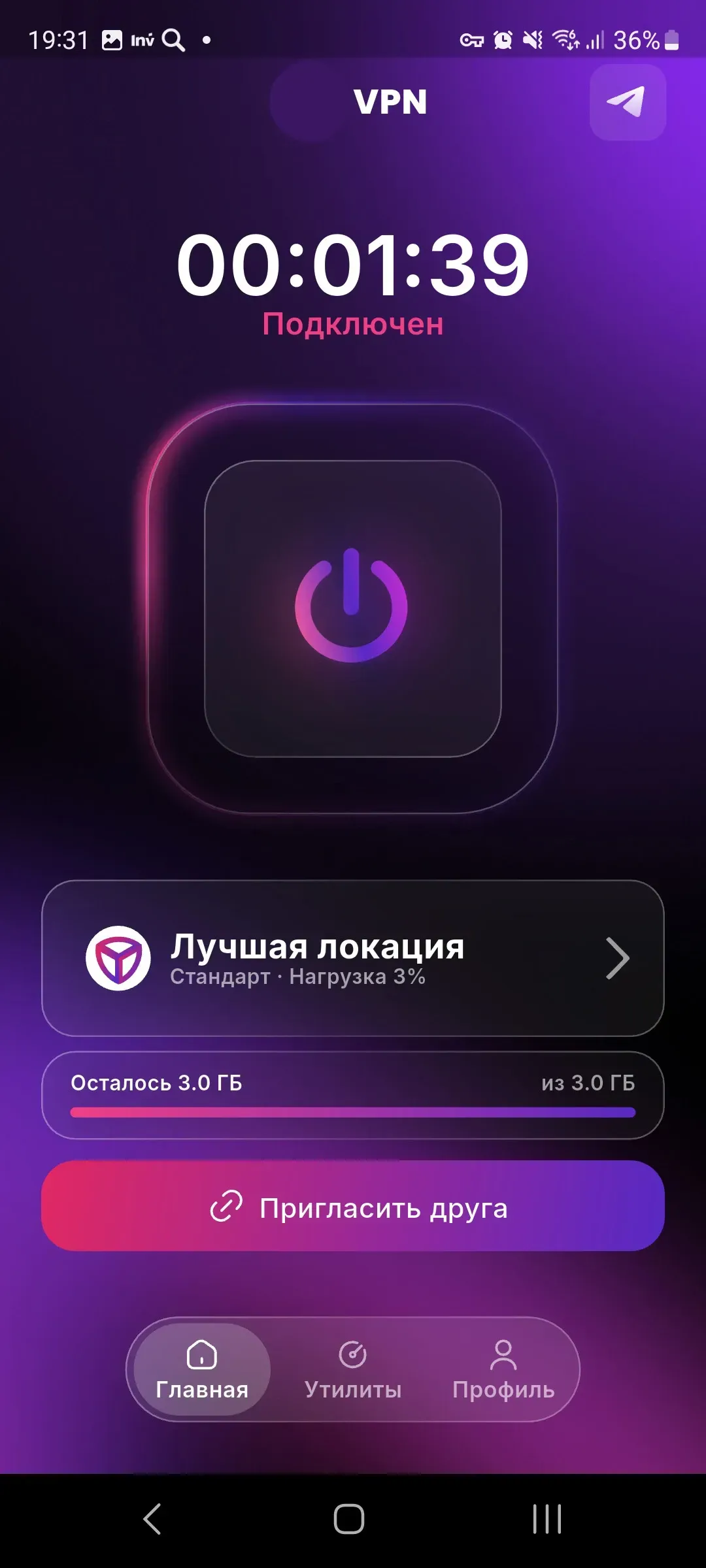
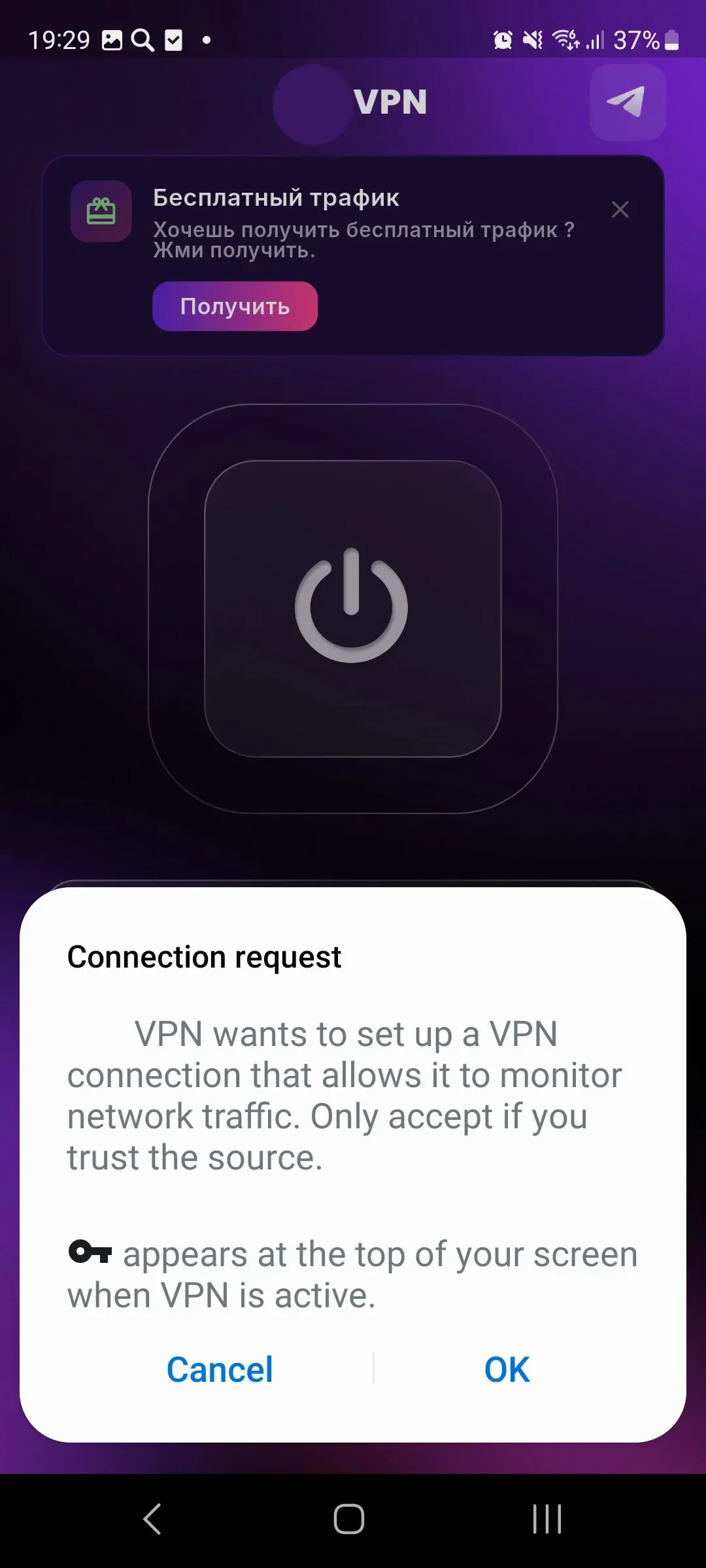
The app makes it easy to choose a server, enable a secure connection, and monitor connection status on an Android device.

Purple VPN app screen
FAQ

5000000+

FAQ

Frequently asked questions about Purple VPN

Brief information about connection, servers, security, and the app’s technical requirements.

Installation

Purple VPN for
Android smartphones

Install the app on a compatible Android device, choose a server, and connect to a secure VPN channel. Purple VPN is suitable for everyday use at home, while traveling, at work, and on public networks.

Install Purple VPN via Google Play
Install the app on Android
Install
Reviews

How users use Purple VPN

Short reviews about connection stability, interface convenience, travel use, and connection protection on public networks.

“Purple VPN helps when I connect to Wi‑Fi in a café or airport. I like that I can quickly choose a server and immediately see the connection status.”

Purple VPN user — Jason Chan
Jason Chan
often works from cafés

“When traveling, it is important that the app does not require long setup. Purple VPN starts quickly, and the interface is clear even without technical experience.”

Purple VPN user — Mei Ling Wong
Mei Ling Wong
uses VPN while traveling

“For everyday internet use, the app works well: websites open steadily, messengers work properly, and the server can be changed in a couple of taps.”

Purple VPN user — Kevin Lee
Wing Kit Lau
plays games and watches videos

“I usually turn on Purple VPN on public networks. It feels calmer to use email, work services, and banking apps when the connection is protected.”

Purple VPN user — Natalie Ho
Brian Lam
protects personal data

“I liked that I did not have to deal with manual VPN settings. I opened the app, chose a region, connected — and could keep working.”

Purple VPN user — Brian Lam
Natalie Ho
uses it on Android

“Servers in different regions help choose a more comfortable connection. For me, it is a convenient everyday tool, especially on the road.”

Purple VPN user — Wing Kit Lau
Kevin Lee
tests different servers